Blynk AI Assistant: Describe What You Need, the Platform Builds It
Describe what you need, and Blynk builds it. The new AI Assistant generates IoT projects — including dashboards, datastreams, alerts, and code — from your prompt.
Published
February 25, 2026
Author
Pavlo Bayborodin
Blynk's AI Platform Assistant turns natural language into working templates, datastreams, and widgets. Describe what you want, skip the repetitive configuration.
If you've set up more than a few projects on any IoT platform, you know the routine. Create the datastreams. Pick the widget types. Configure the pins, set the ranges, name everything, arrange the layout. Then do it again for the next project. The work isn't hard, but it's repetitive, and it adds up fast when you're managing multiple product lines or onboarding new devices regularly.
Blynk's AI Platform Assistant changes that workflow. Instead of clicking through configuration screens, you describe what you need in plain language, and the assistant builds it.
From Description to Dashboard
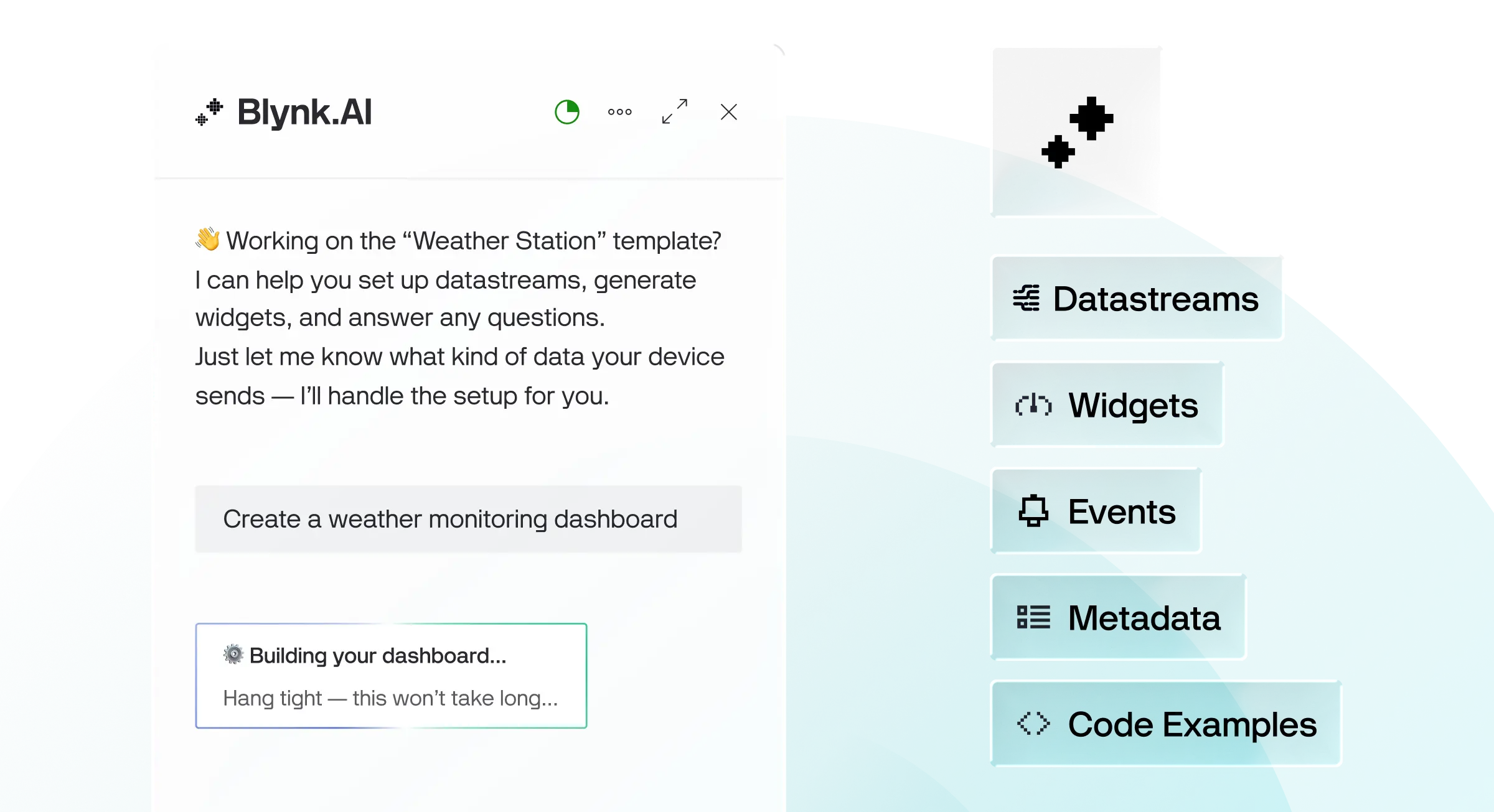
Tell the assistant "set up a weather monitoring dashboard" and it creates the datastreams, selects appropriate widgets, and assembles a working layout. Temperature, humidity, pressure, wind speed. The right widget types for each, with sensible defaults already configured.
The same works for more specific requests. "I need a dashboard for tracking an HVAC unit with temperature, operating mode, and energy consumption" produces a structured layout with the datastreams and widgets matched to what you described. You review it before confirming, adjust what needs adjusting, and move on.
You can go beyond just dashboard creation, and let the assistant handle individual configuration tasks too:
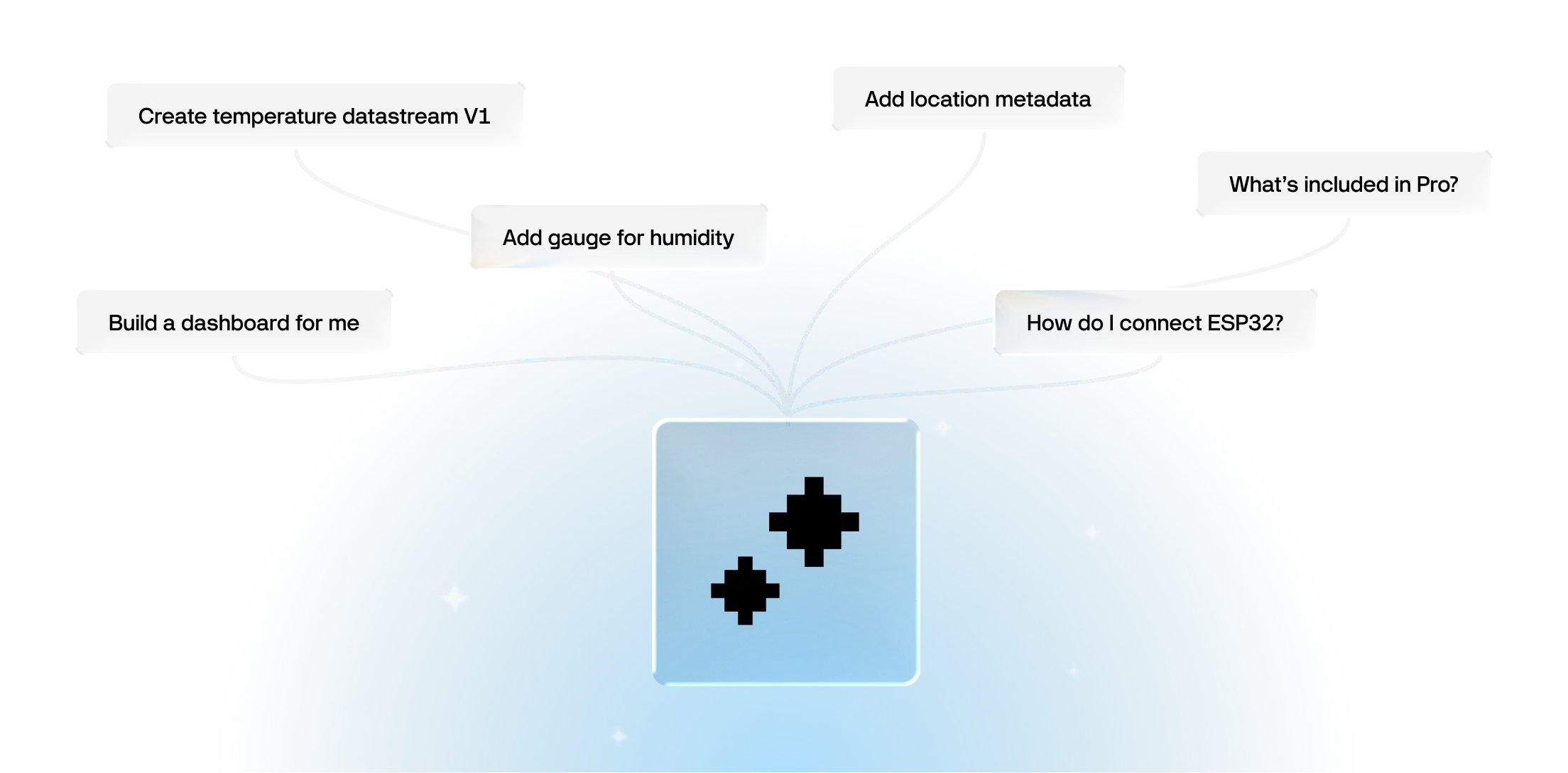
Datastreams: "Create a temperature datastream, virtual pin V1, range -40 to 80 degrees Celsius"
Widgets: "Add a gauge widget for humidity"
Events and notifications: "Set up an alert when temperature exceeds 35 degrees"
Metadata: "Add a location field to this device template"
Each request produces a preview you can review before it takes effect. Nothing gets created or modified without your confirmation.
Documentation and Code at Your Fingertips
The assistant draws on all of Blynk's documentation, website content, and code examples. Ask a question about how something works and you get an answer with a direct link to the relevant docs page. Need a code example for connecting an ESP32? The assistant finds it and links to the GitHub source.
The assistant also handles Data Converters. If you need to write or adjust converter code for incoming device data, describe what the data looks like and what you need, and the assistant generates the code. No need to look up the syntax or start from scratch each time.
Beyond setup tasks, the assistant is contextually aware. It knows where you are on the platform and responds accordingly. Navigate to the pricing page and ask a question, and it pulls the right tier information. Open a device template, and the assistant's suggestions are relevant to what you're working on.
For teams managing multiple deployments, the productivity shift is meaningful. Configuration work that used to take focused manual effort becomes a conversation that leads to results.
What's Coming Next
The assistant's capabilities are expanding. Two features currently in development:
Automations through natural language. Instead of building automation rules through the visual editor, you'll be able to describe the logic: "When outdoor temperature drops below 5 degrees, switch the heating system to winter mode." The assistant creates the automation.
A data analyst agent. Ask questions about your device data directly: "What's the average uptime for my HVAC units this month?" or "Which devices have been reporting anomalies?" The agent queries your data and surfaces insights without you needing to build custom reports.
Availability
The AI Platform Assistant is available now on all Blynk plans, including Free. Free accounts include 50 queries per month. Paid plans include higher limits.
Try it out in your Blynk Console. Look for the assistant icon in the top-right corner of any screen.
Sign up for a newsletter
Get latest news from Blynk
Over 500,000 people already signed up our newsletter. We never spam.
Thank you! Your submission has been received.
Oops! Something went wrong while submitting the form.






.png)


